
Run your live course without running five different tools
Chasing attendance in a chat thread, hunting for last week's recording, guessing who is falling behind. Run your live lessons somewhere built for teaching a cohort, where all of that is already handled.
Start teaching for free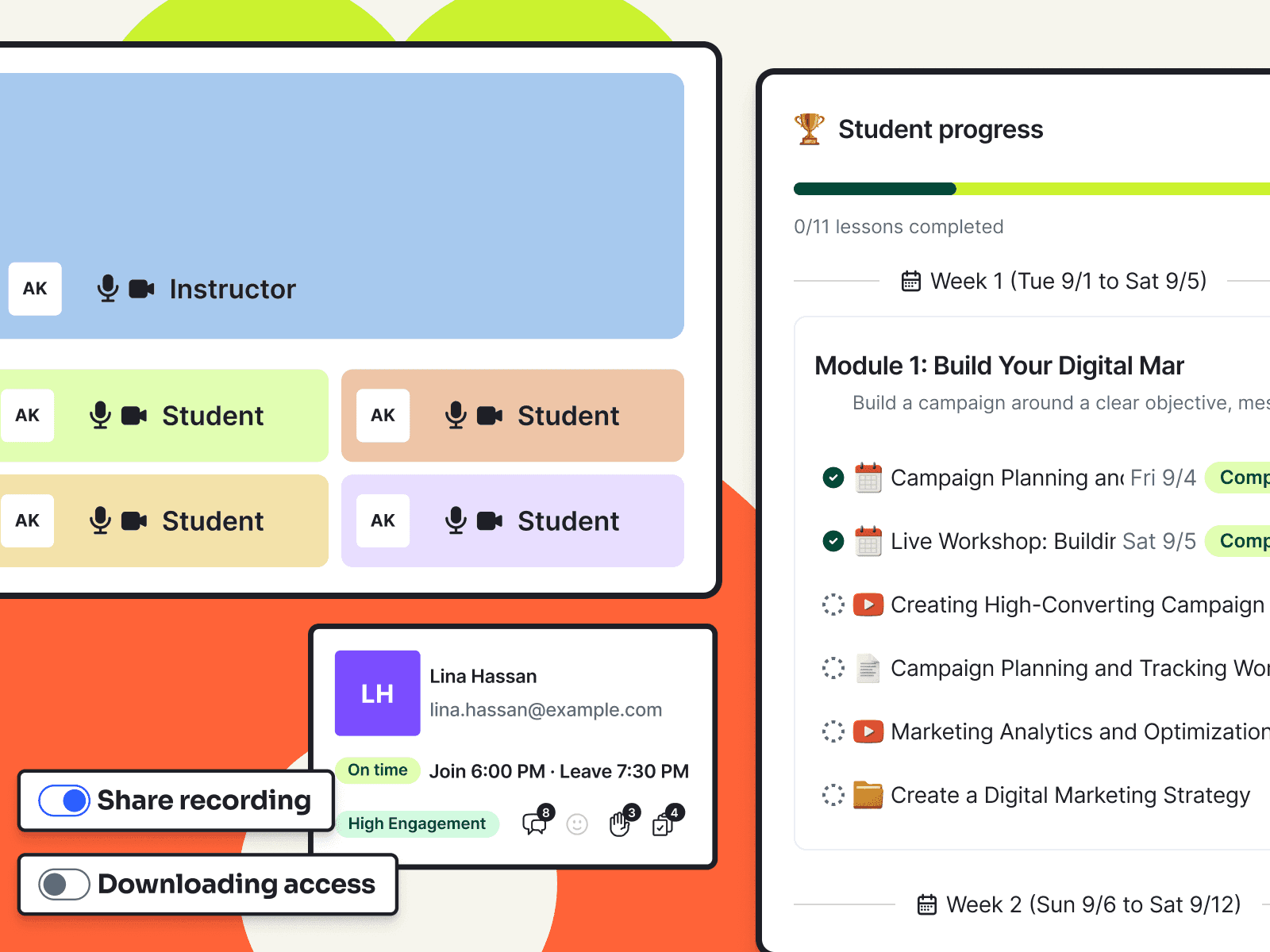
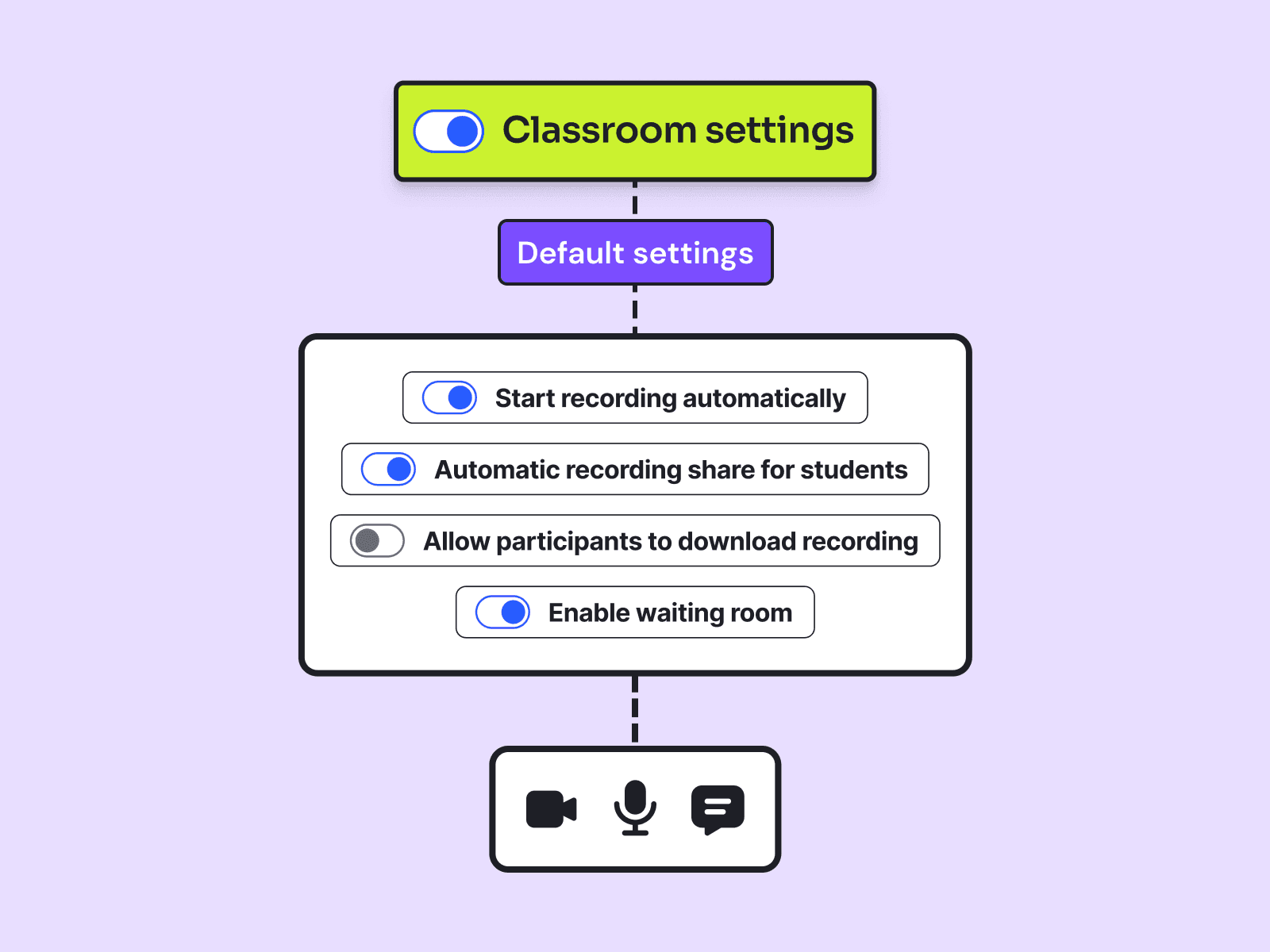
Everything your live cohort needs in one classroom
Teach live, automate recordings and track attendance in one virtual classroom built for your cohort.
Keep students involved throughout every live lesson
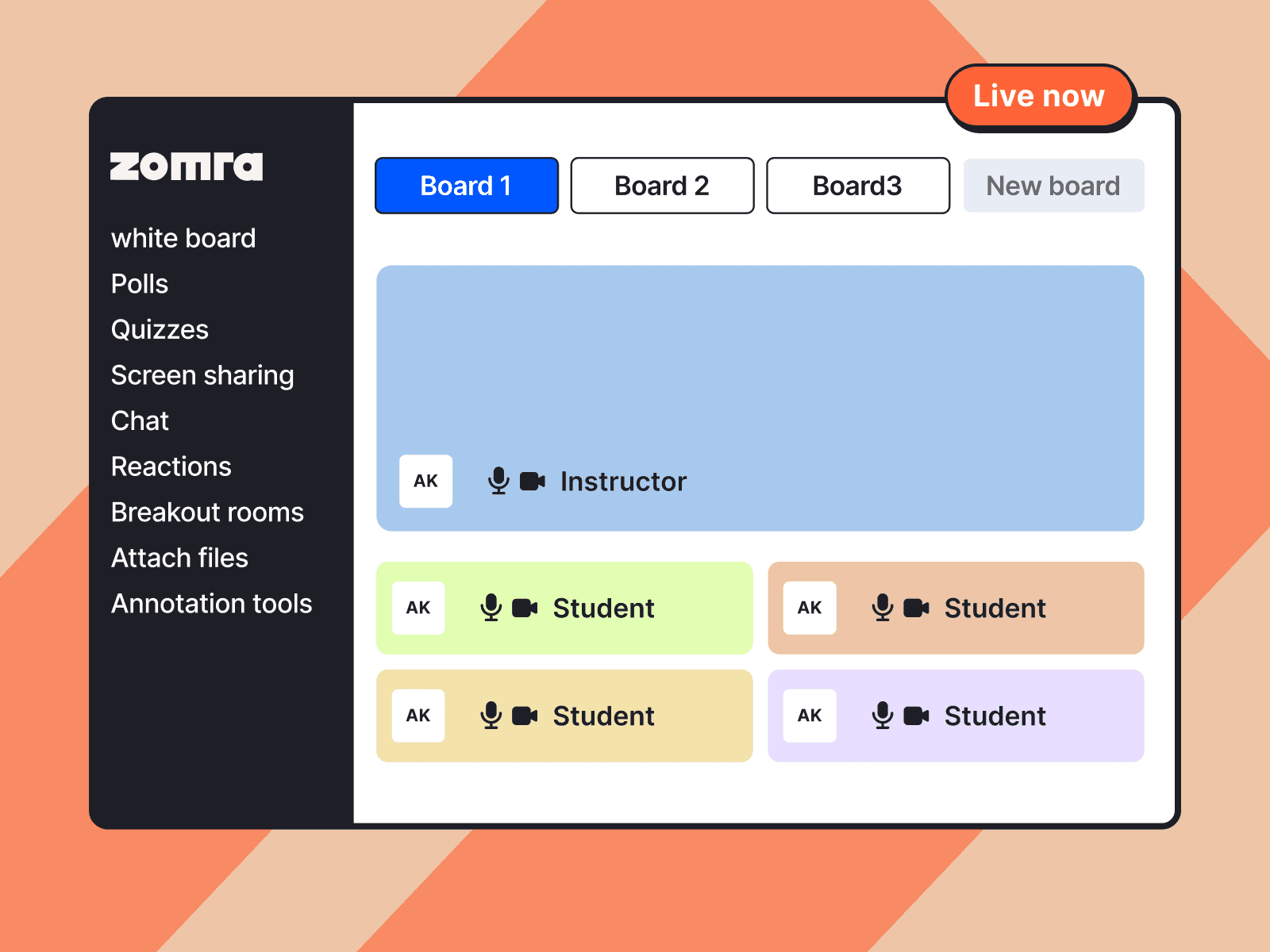
Share your screen, use the whiteboard, run polls and quizzes, create breakout rooms and answer questions without leaving the classroom.
- Live video and audio
- Screen sharing
- Interactive whiteboard
- Drawing and annotation tools
- Chat and reactions
- Polls and quizzes
- Breakout rooms
- Waiting rooms
- Attach files
Give every course team member the right access
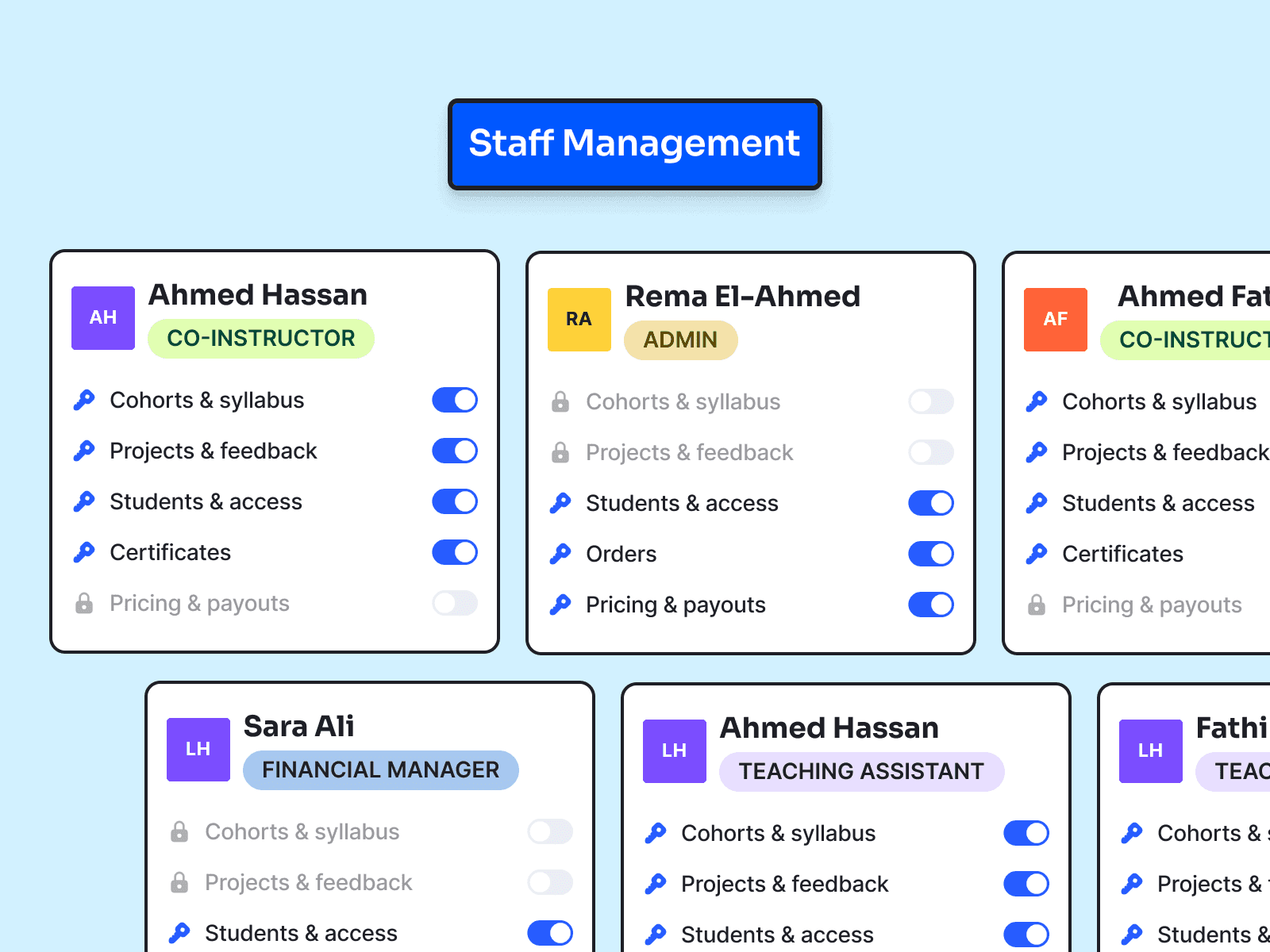
Create custom roles and control what instructors, assistants, administrators, finance managers and other collaborators can access.
- Invite course team members by email
- Create roles that match how your team works
- Choose the permissions for each role
- Keep payments and sensitive settings protected

Give students one place to follow the entire course
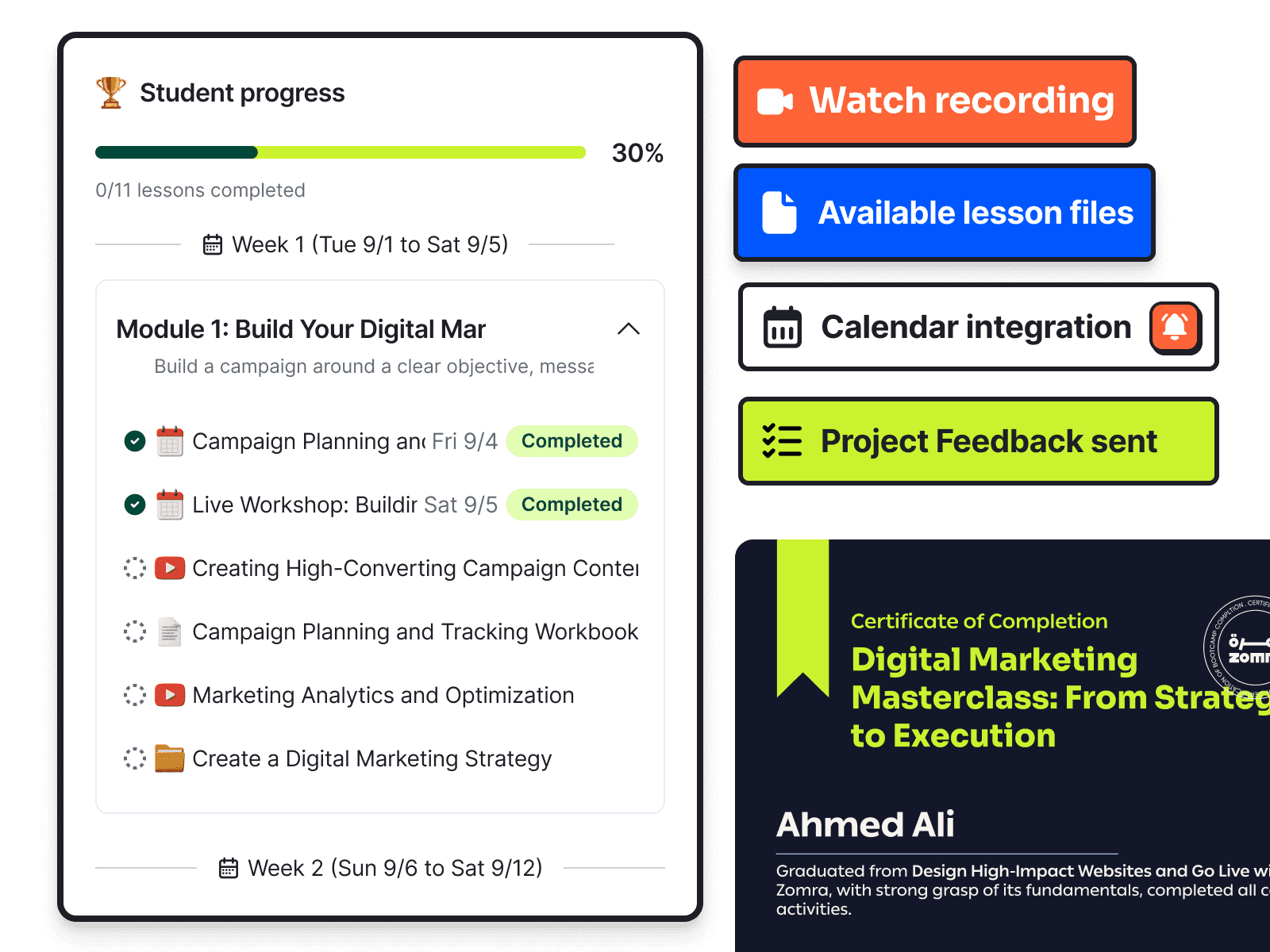
Students can join lessons, watch recordings, download files, submit projects and track their progress from any device.
- Find every lesson file and recording in the right place
- Join and learn from mobile or desktop
- Receive a certificate after completing the course
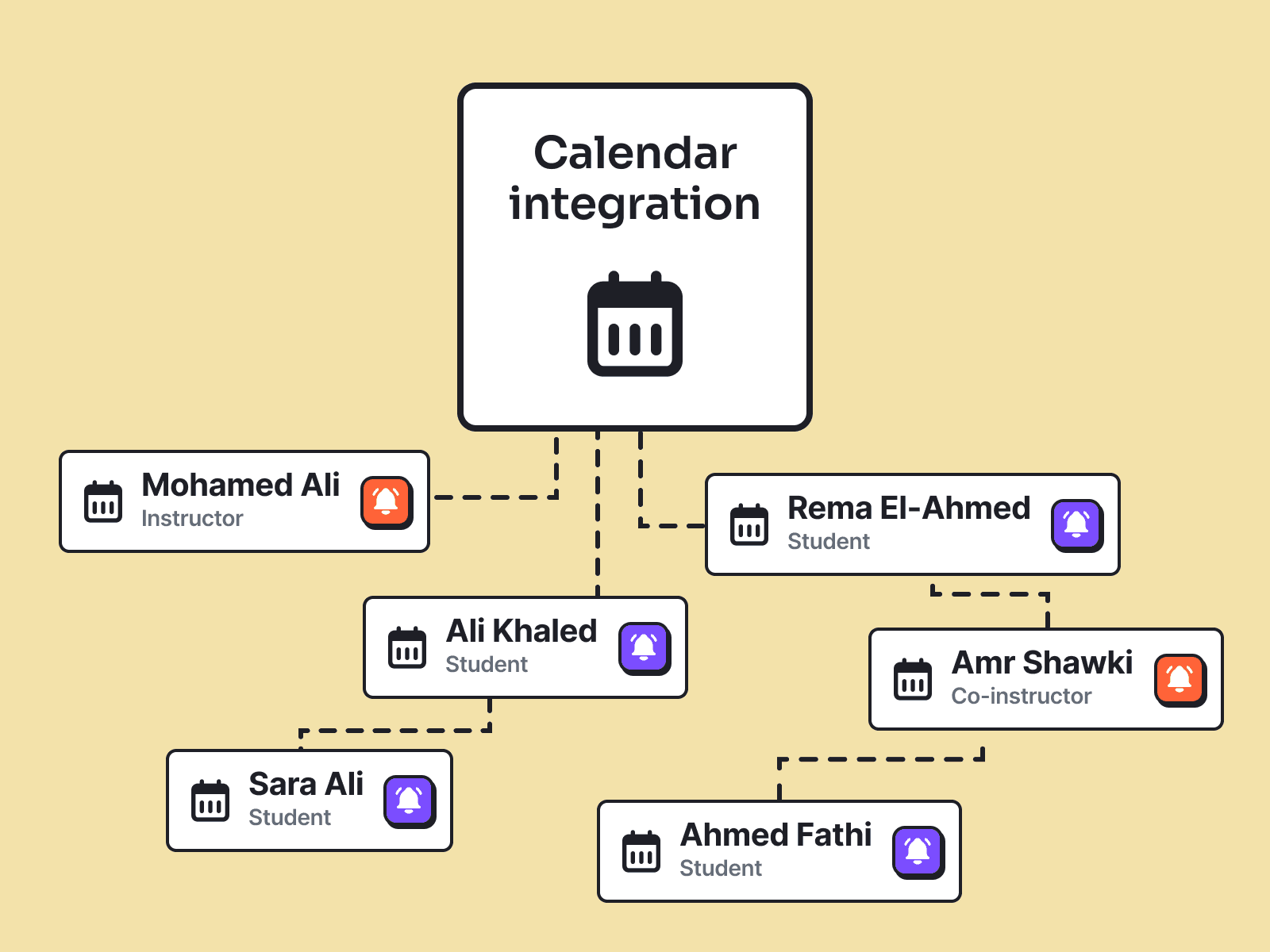
- Add every live lesson to their calendar
- Submit projects and receive instructor feedback

Zomra has made it seamless to bring my product management and AI courses to the MENA audience, on a platform genuinely built with instructors in mind. From the ease of setting up and managing courses to clear tools for tracking student progress, I can focus on teaching instead of admin — and the Zomra team's support has been outstanding every step of the way. What stands out is how quickly Zomra evolves into the all-in-one platform MENA instructors need to teach and grow.
Dorra Mlouhi
Product Leader and AI builder
Questions about teaching live with Zomra
Do students need to install an application?
No. Students join the virtual classroom directly from their browser on mobile or desktop.
How is Zomra different from a meeting tool?
Zomra connects each live lesson to your course, students and syllabus. Attendance, recordings and student activity stay organized automatically.
Are live lessons recorded automatically?
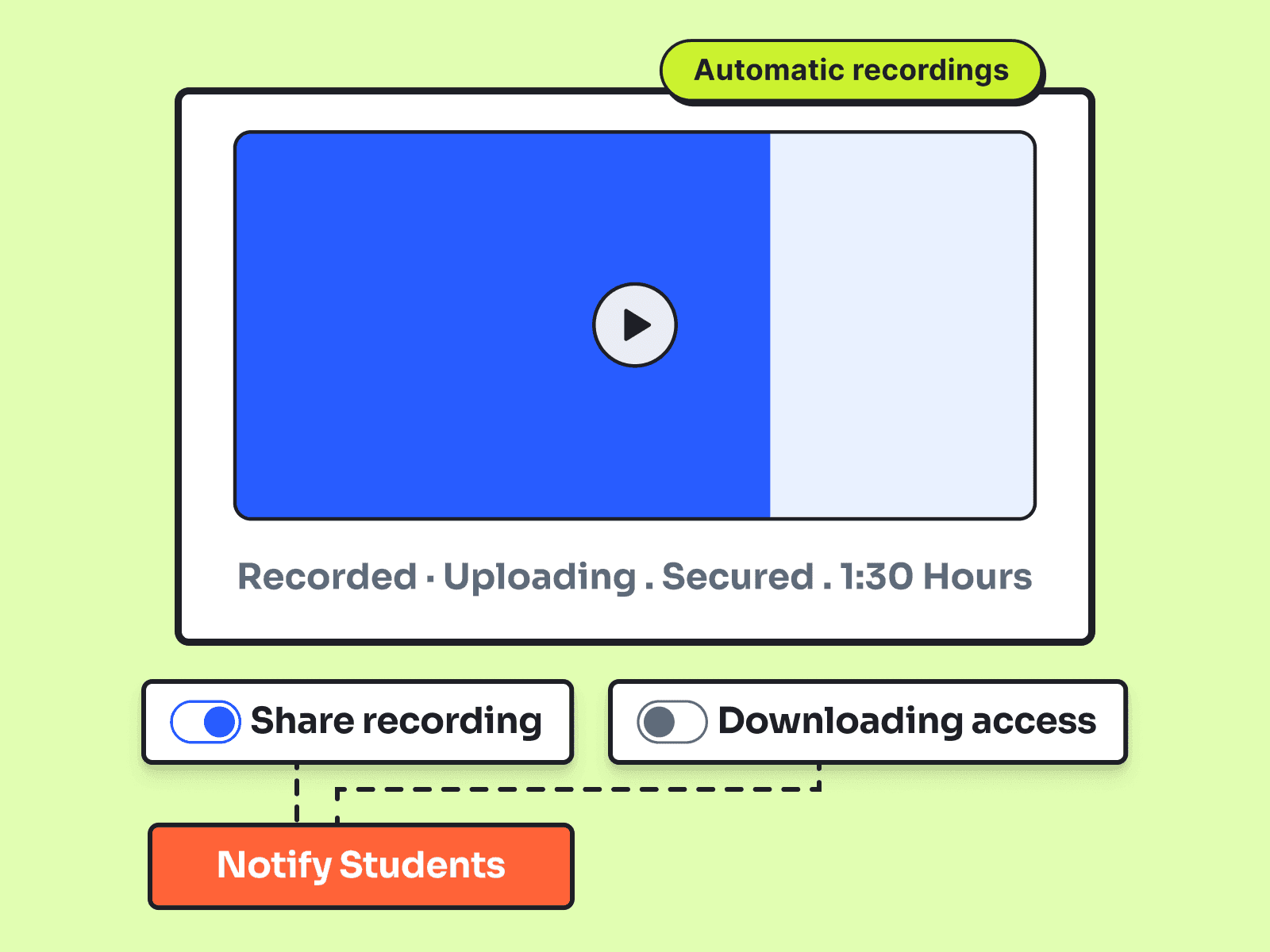
Yes. Zomra can record each lesson, process the video and add it to the correct lesson without a manual upload.
Can I track attendance and participation?
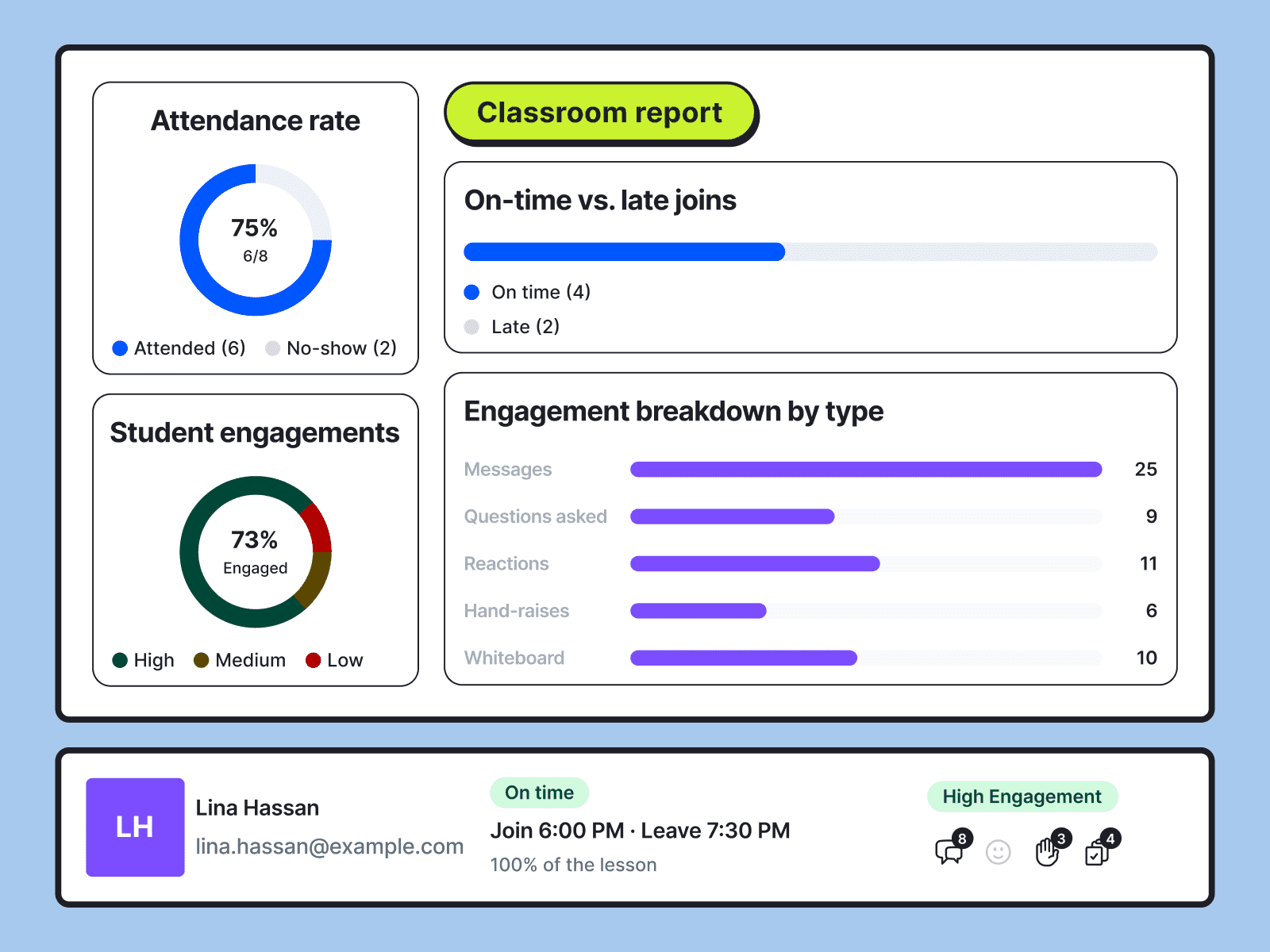
Yes. Each lesson produces a report showing attendance, time in class and student participation.
Can I invite other people to manage my course?
Yes. Invite instructors, assistants, administrators, finance managers and other collaborators, then assign each person the appropriate role and permissions.
How do students know when the next lesson starts?
Live lessons appear in the course schedule and can be added to student calendars with the correct local time.
What information is included in the classroom report?
The report covers attendance, late joins, no-shows, time in class, instructor and student talk time, messages, questions, hand raises, reactions, polls, quizzes, whiteboard activity, and shared files.
Your classroom works better when everything connects
The course you build, the cohort you promote and the payments you collect stay connected to the same teaching experience.

Build your course
Structure your syllabus once and reuse it for every new cohort.
- Dynamic content
- Content security
- Certificates
- Lesson formats

Promote your cohorts
Create campaigns and turn interest into enrollments.
- Free sessions
- Course landing page
- Discounts
- Ad tracking

Get paid your way
Accept payments and manage student access without manual follow-up.
- Collect payments
- Global payment
- Group checkout
- Guest checkout
- Orders dashboard
- Installments